Screenshots
See it in action.
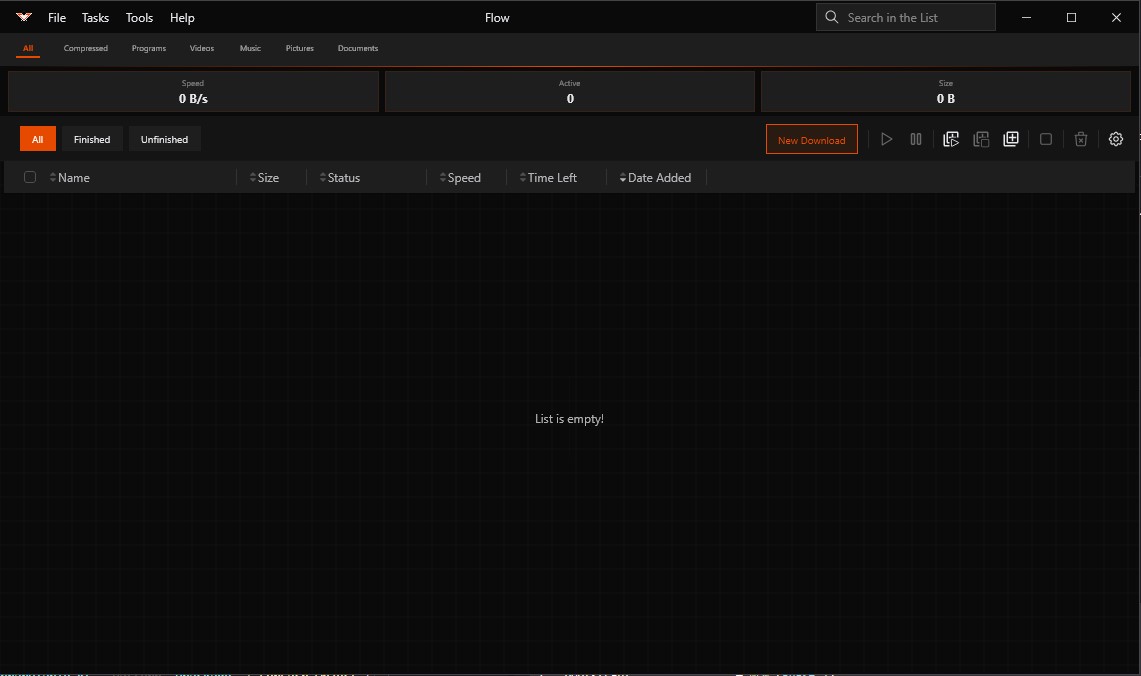
Main Interface
Download list with speed, status and progress at a glance
A blazing-fast, open-source download manager for Windows, macOS, Linux and Android. Queues, schedulers, browser integration — all in one sharp interface.
Splits files into parallel streams to saturate your connection. Download large files up to 10x faster than a single-threaded browser.
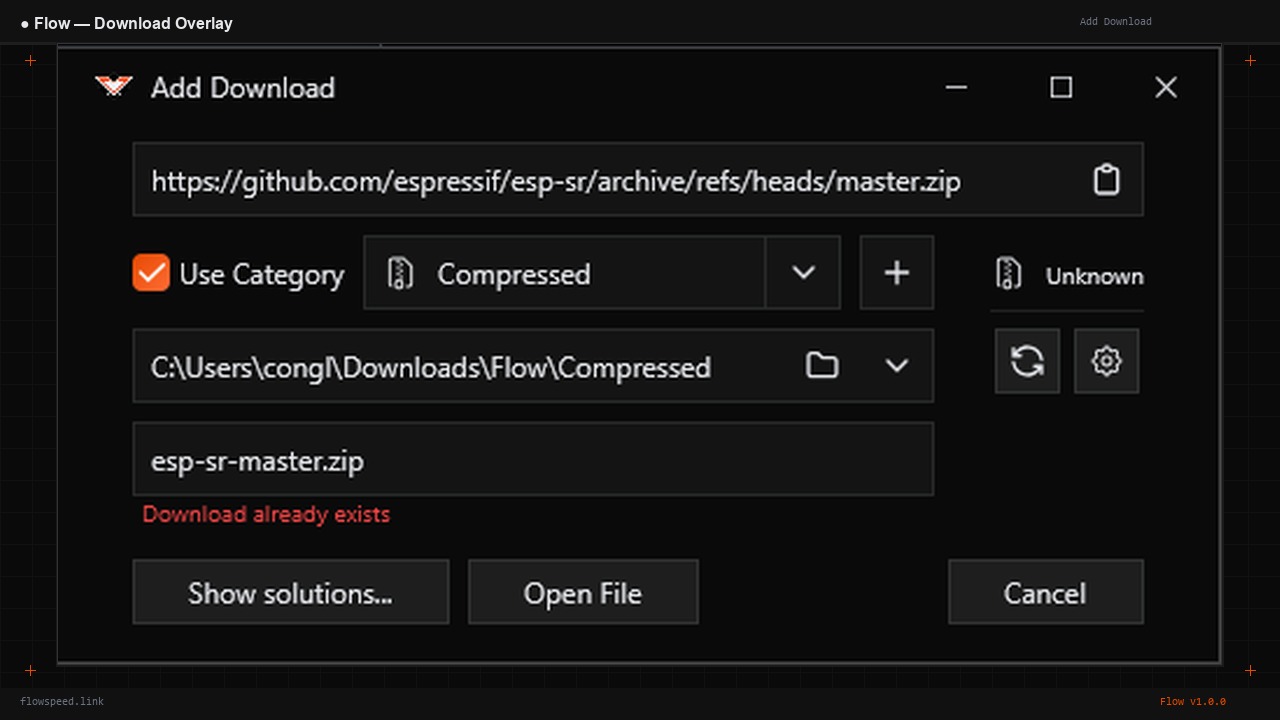
Create multiple queues with custom bandwidth limits. Schedule downloads to run at night or on a timer. Automate actions on completion.
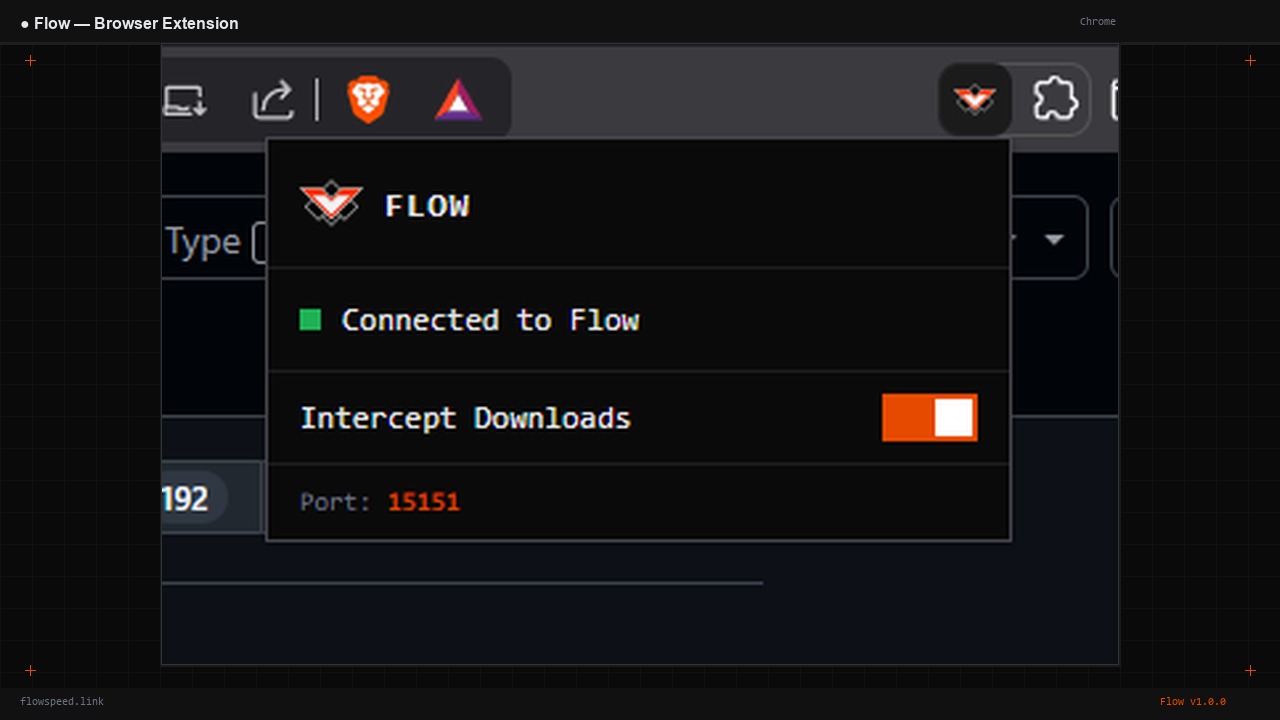
Chrome, Firefox, Edge. Hover any download link — the Flow button appears. Click it and the download goes straight to Flow, no save dialog.
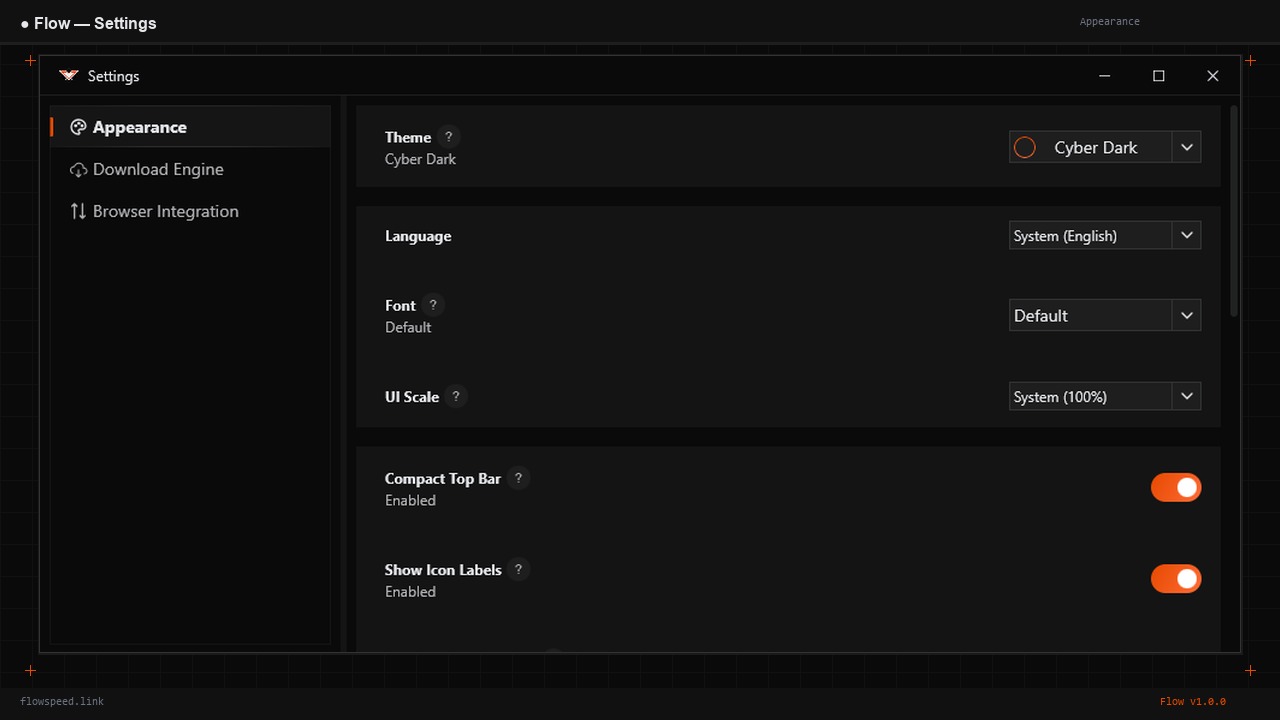
Sharp corners, high contrast, orange accent. Dark, Light, OLED Black, Terminal, Deep Ocean themes. A UI that gets out of your way.
Full-featured Android app. Start downloads on your phone, monitor progress, manage queues — all from the same sharp interface.
No analytics, no ads, no subscriptions. Fully open source under Apache 2.0. Your downloads stay private.
Download the installer for your platform. Runs on Windows, macOS, Linux and Android.
Install the browser extension. It connects to Flow automatically on port 15151.
Hover a download link. The Flow button appears. Click — download starts in Flow instantly.
Track speed, progress, queues. Flow runs in the system tray — always ready, never in the way.
winget install flowspeed.Flow
The moment you hover over a download link, a tiny Flow button appears. Click it — the browser's save dialog never shows. The download goes straight to Flow. Large files are intercepted automatically.
Found a bug? Have a feature request? Just want to say hi? Drop us a message and we'll get back to you.
Free. Open source. No account required.